
The World
Tiles & Land
Plots and Tiles
The city is made of individual tiles. Each tile is one plot, and most of what you do happens by clicking a plot: build a bakery, build a Wheat Farm, inspect a rival, or claim an opportunity.
Click any empty buildable tile to open the build panel. A small plus marker appears on empty land you are allowed to build on.
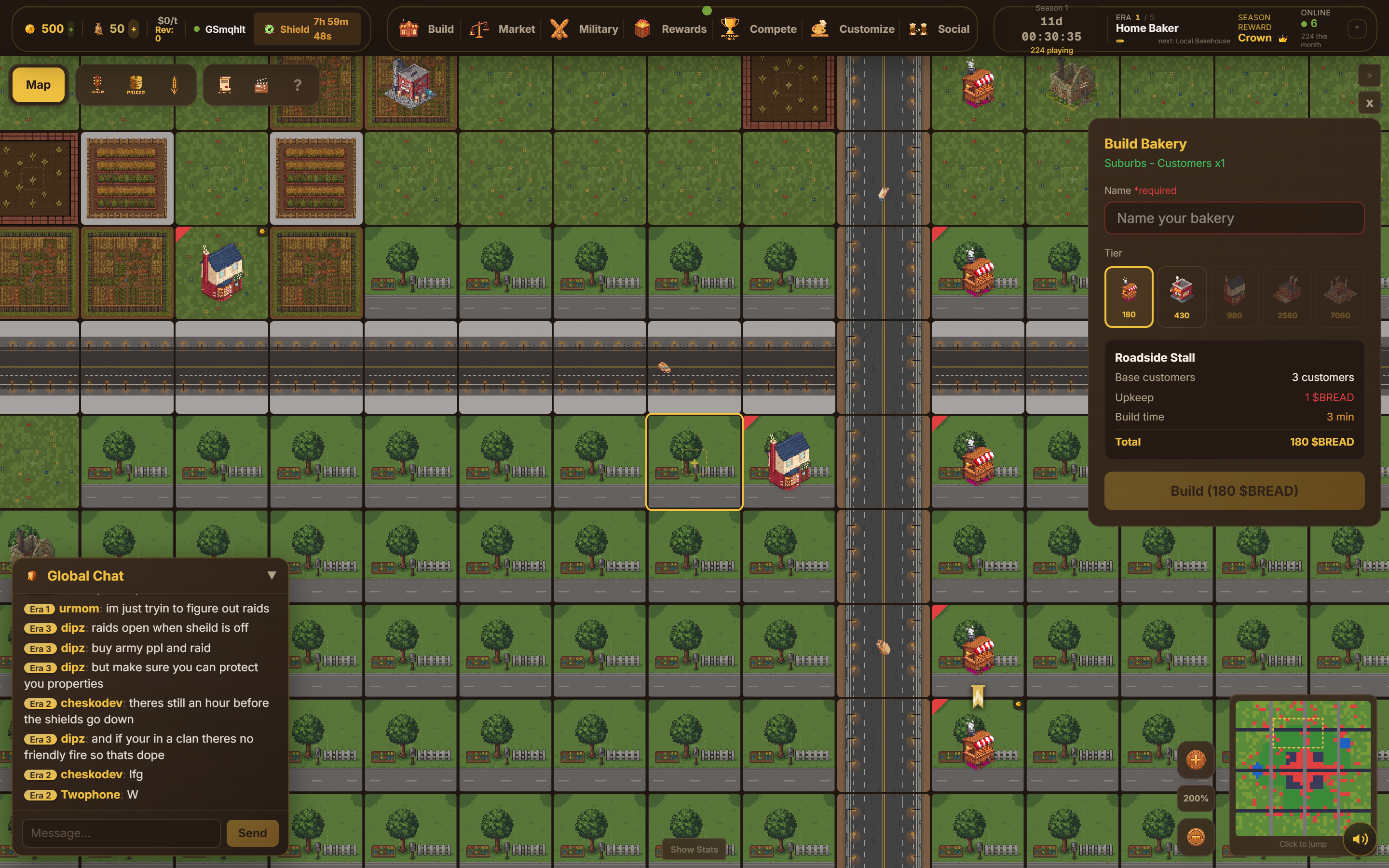
Buildable vs Non-Buildable Land
Not every tile can hold a bakery. The terrain decides:
- Roads are the arteries of the city. You cannot build on a road tile itself — you build on the land beside it.
- Forest, mountain, and lake tiles are scenery. You cannot build there at all.
- Open land near roads is buildable. If a plot is too far from any road, the game tells you it is "too far from roads to build."
So the road grid is what opens up the map: the closer land is to the road network, the more of it you can build on.

If a tile won't let you build, it is either blocked terrain (forest, mountain, lake, road) or simply too far from a road. Look for open land hugging the road grid.
Wheat-Fertile Land
Some of the cheaper outer land is wheat-fertile. These tiles carry a wheat deposit with a richness rating (shown as stars), and instead of a bakery you build a Wheat Farm on them to produce wheat. Richer deposits produce more wheat per cycle.
Wheat farms do not sell bread or earn $BREAD directly — they feed your supply chain. You find wheat-rich tiles by switching the map to the Wheat view, which highlights deposits across the city.